Micronaut Launch TUI
mtui is a terminal UI for creating Micronaut projects through Micronaut Launch, written in Kotlin and built with TamboUI. It puts the hundreds of available features in one searchable list, previews the generated files and unzips the project straight into the current directory. Inspired by Dan Vega's spring-initializr-tui.

A terminal UI for creating Micronaut projects through Micronaut Launch, built with TamboUI.

Why
The hardest part of creating a Micronaut project is finding the right features:
there are hundreds of them. mtui puts them in one searchable list, so you
type a few letters, press Space and move on, without leaving the terminal or
unzipping a download.
It was inspired by Dan Vega’s spring-initializr-tui, which does the same for Spring Boot.
Features
- Search every feature by name, title or description, and see what you have selected at all times
- Choose the application type, language, build tool, test framework and JDK
- Switch between the latest Micronaut release and the current snapshot
- Preview the generated files before creating anything
- Unzip the project straight into the current directory
- Open the project with your editor or IDE once it is created
- Press
?on any screen to see its keys
Screenshots
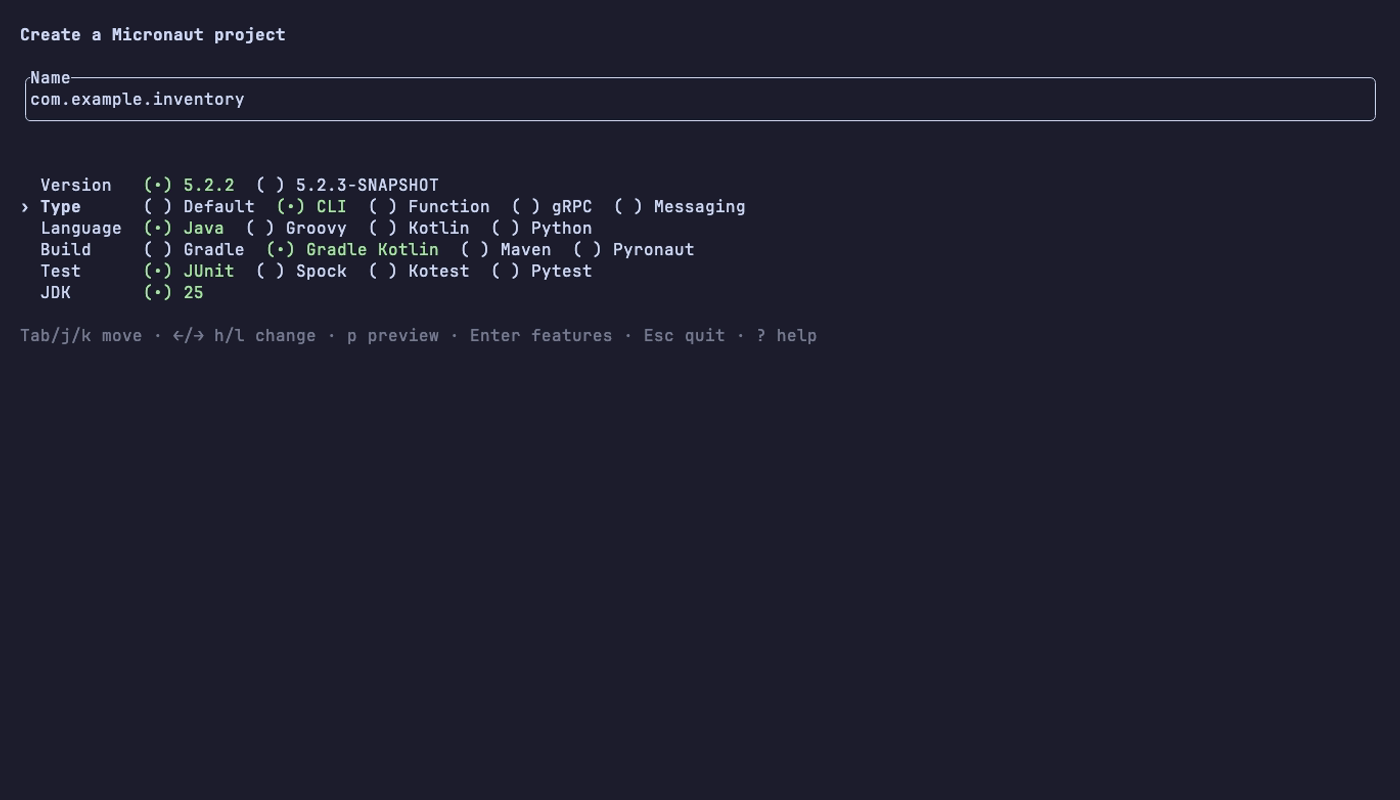
Name and options
Type the project name, then pick the Micronaut version, application type, language, build tool, test framework and JDK.
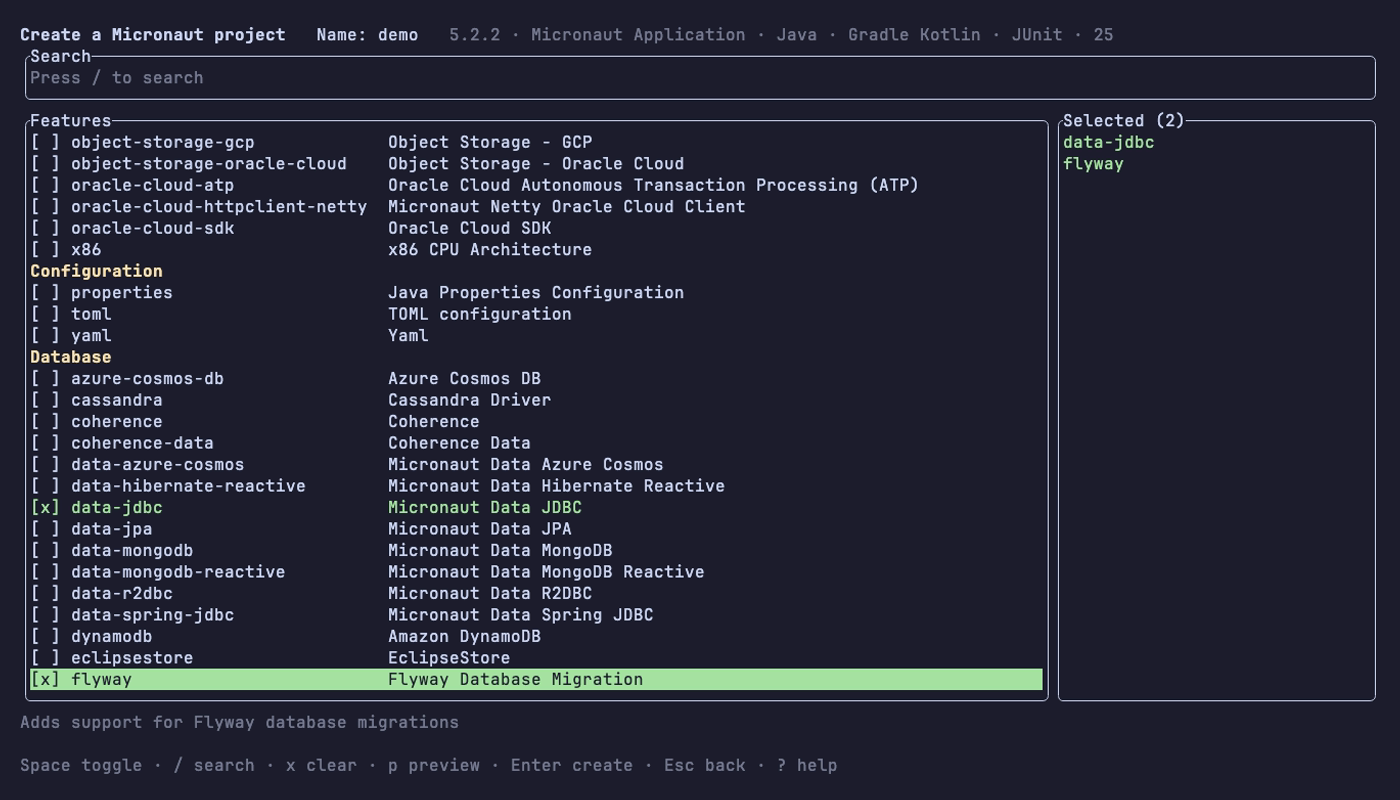
Features
Press / to search, Space to select. The features you have chosen stay
listed on the right.
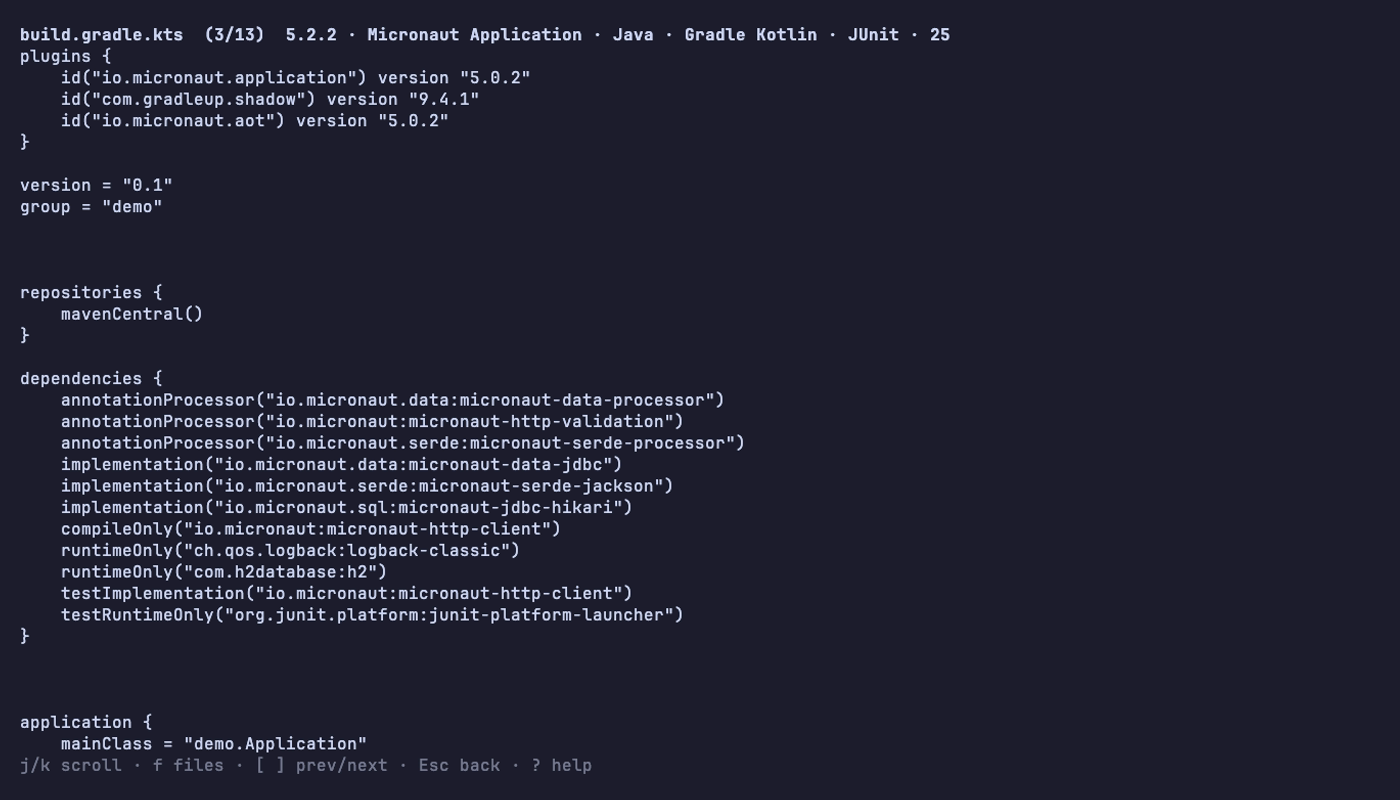
Preview
Press p to browse the files Launch would generate, with f to jump to a
file by name.
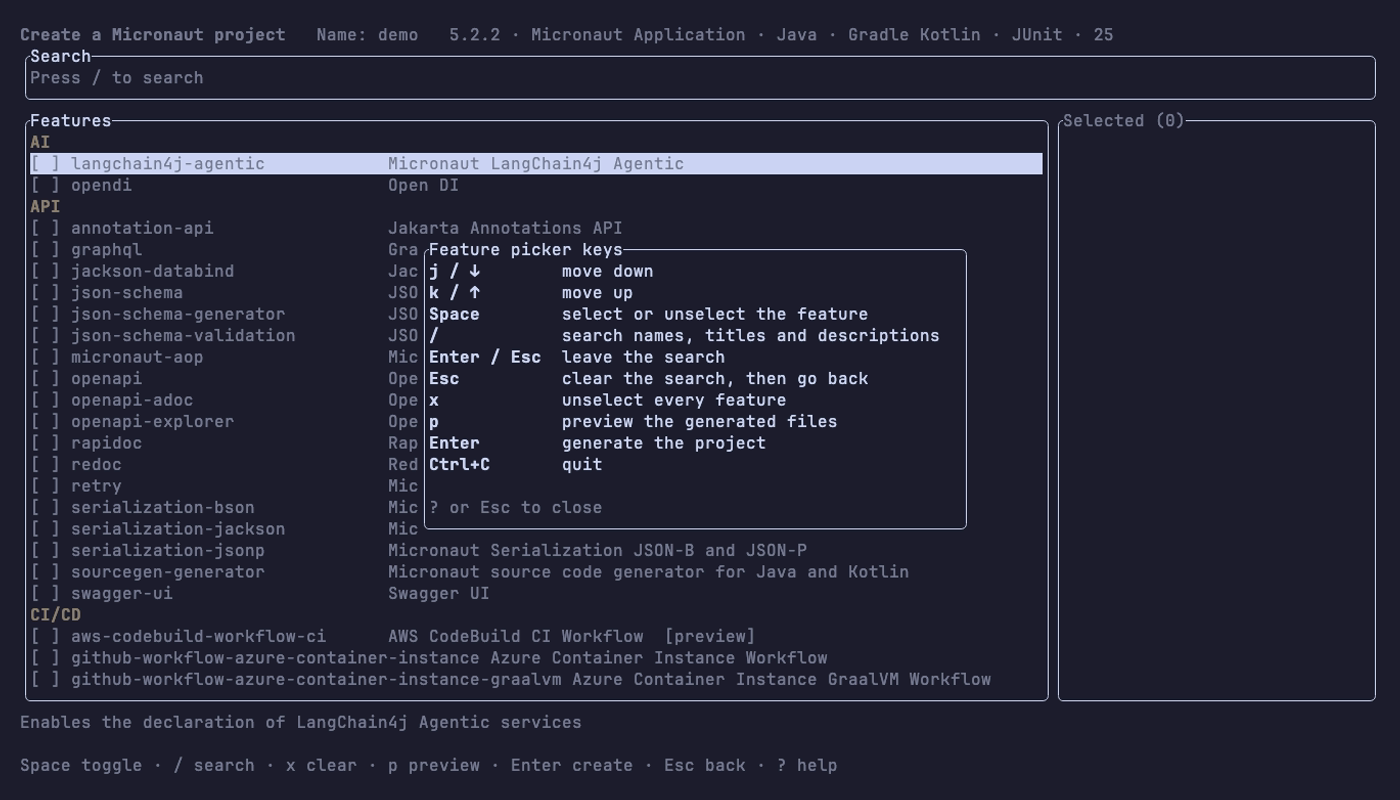
Help
Press ? on any screen for every key it understands.
Install
With the GitHub CLI, this installs or updates mtui
in ~/.local/bin (make sure it’s on your PATH). On Linux, use
'*linux-x86_64*' as the pattern:
mkdir -p ~/.local/bin
gh release download -R leeturner/micronaut-launch-tui -p '*macos-aarch64*' -O - | tar -xz -C ~/.local/bin
A download made by gh isn’t quarantined, so macOS doesn’t block it.
Or download the archive for your platform from the latest release:
| Platform | Archive |
|---|---|
| macOS (Apple Silicon) | mtui-<version>-macos-aarch64.tar.gz |
| Linux (x86_64) | mtui-<version>-linux-x86_64.tar.gz |
| Windows (x86_64) | mtui-<version>-windows-x86_64.zip |
Unpack it and move mtui somewhere on your PATH:
tar -xzf mtui-*-macos-aarch64.tar.gz
mv mtui /usr/local/bin/
The binary isn’t signed. If macOS blocks it, clear the quarantine flag:
xattr -d com.apple.quarantine /usr/local/bin/mtui
The Windows binary is built but hasn’t been tested on Windows yet.
Build and run
To run it from source instead, you need Java 25.
./gradlew shadowJar
java -jar build/libs/micronaut-launch-tui-dev-all.jar
Run it from anywhere
Add an alias to ~/.zshrc or ~/.bashrc:
alias mtui='java -jar /path/to/micronaut-launch-tui/build/libs/micronaut-launch-tui-dev-all.jar'
Then create projects from wherever you keep them. The project is unzipped into the current directory:
cd ~/dev
mtui
Open the project when it’s created
Give mtui the command that opens a project, and it runs it with the new
project’s path once it’s created:
mtui --open idea
Or set it once in your shell profile. --open wins if both are set:
export MTUI_OPEN=idea
Keys
Every list moves with the arrow keys or j/k, / starts a search, and ?
shows all of the current screen’s keys.
Development
./gradlew build         # tests, Kotlinter and Detekt
./gradlew formatKotlin  # fix formatting
To build the native binary, you need GraalVM 25 (Gradle finds it through
GRAALVM_HOME or JAVA_HOME). The binary is written to
build/native/nativeCompile/mtui:
./gradlew nativeCompile
The work is planned in slices on the roadmap, each with its
own design in docs/superpowers/specs.
Screenshots
The images in docs/images are made with vhs
from the tapes in docs/tapes. They use the live Launch server, so they show
whatever it offers on the day. To regenerate them, from the repo root:
./gradlew shadowJar
for tape in docs/tapes/{demo,form,picker,preview,help}.tape; do vhs "$tape"; done